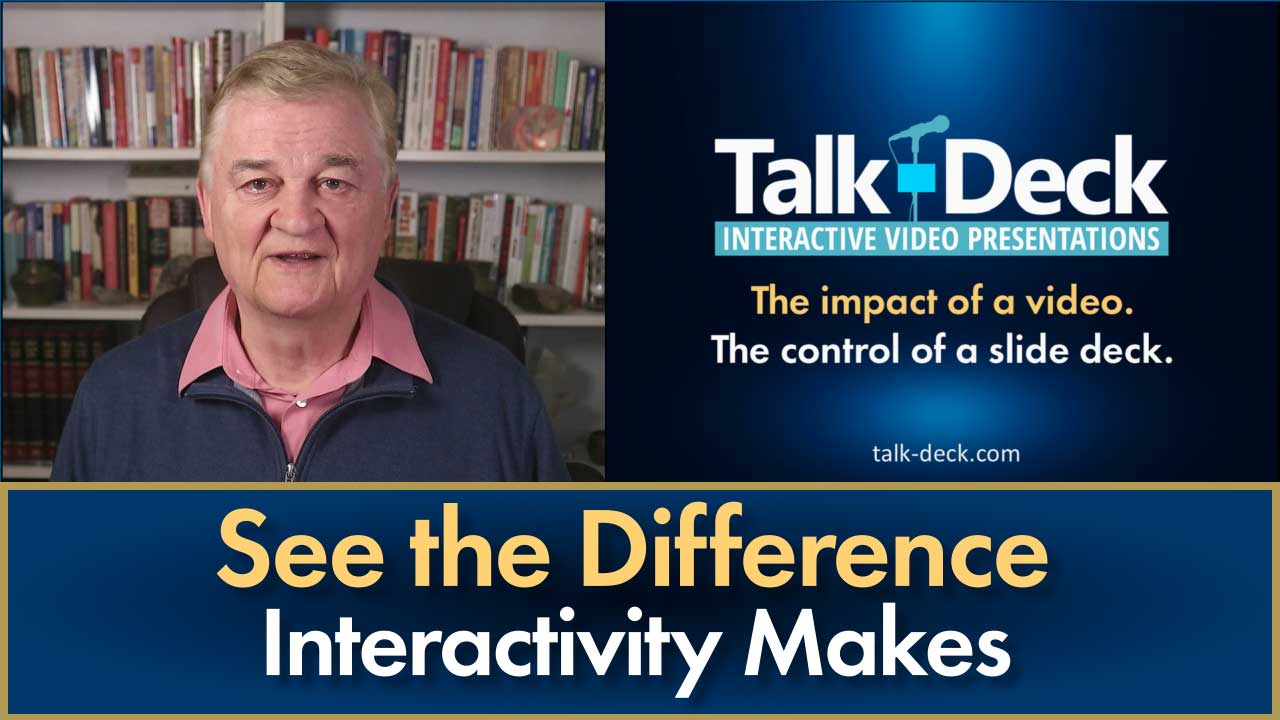
The impact of a video. The control of a slide deck.
See the difference interactivity makes.
Turn any presenter-delivered slide presentation or webinar video into an interactive, viewer-controlled video audiences can navigate slide-by-slide instead of watching as a long linear recording.
Watch the demo first — then download Talk-Deck Creator and try it for yourself.
Watch. Click. Explore.
THE PROBLEM
Movies are meant to be watched. Presentations are meant to be used.

Most viewers don’t watch presentation videos from beginning to end like they watch a movie. They skip around looking for specific slides or information. But traditional video players make that awkward and inefficient.
Talk-Deck transforms ordinary presentation videos into interactive, viewer-controlled experiences audiences can navigate slide-by-slide — just like a real presentation deck.
Because presentations aren’t just meant to be watched. They’re meant to be used.
THE SOLUTION
Talk-Deck transforms ordinary presentation videos into interactive video experiences.
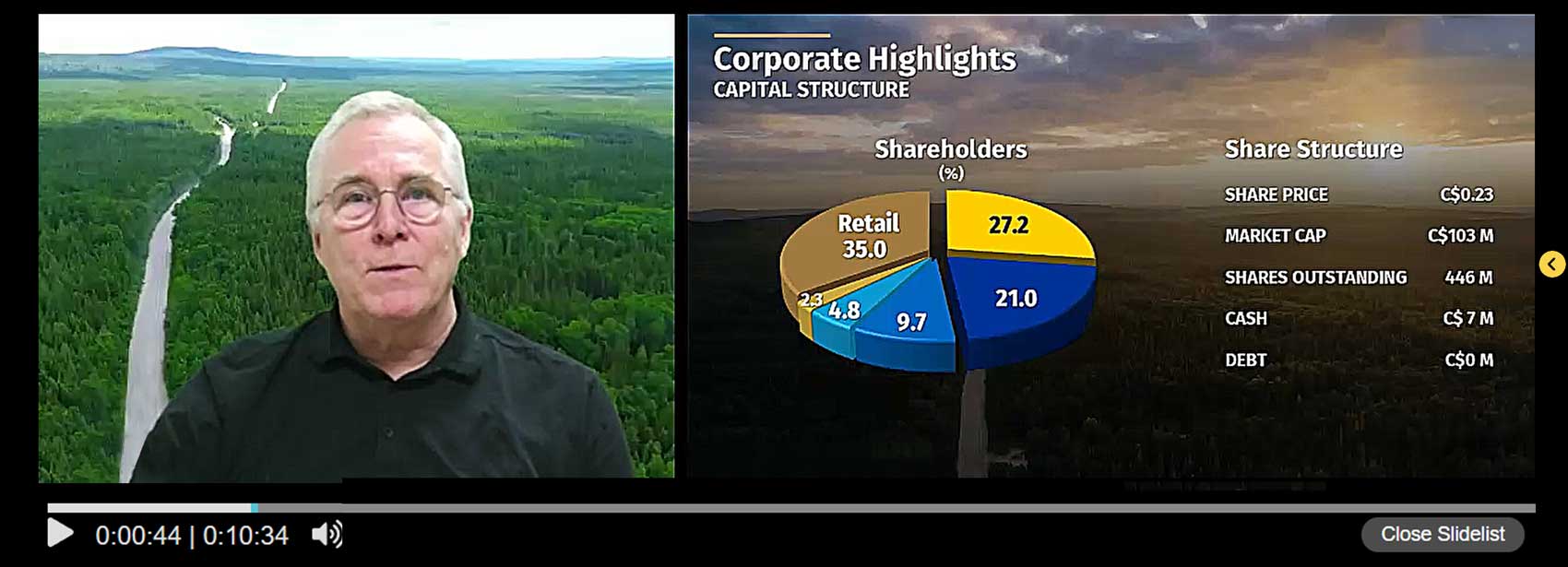

Instead of forcing audiences to scrub through a long video timeline searching for specific content, a Talk-Deck lets viewers navigate through a presentation slide-by-slide, instantly revisit key information, and explore presentations at their own pace.
The result is a presentation experience that combines the impact of a video with the control of a slide deck.
HOW IT WORKS
Create an interactive video presentation in three simple steps.
Upload your slides
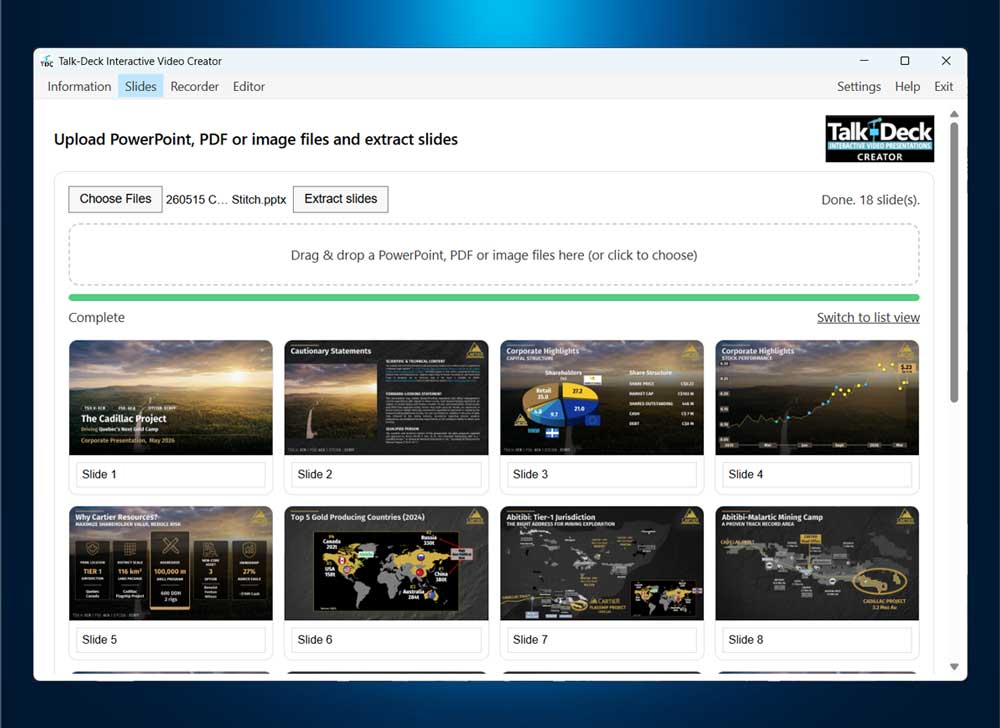
Start with the same PowerPoint presentation you already use.
Deliver your presentation
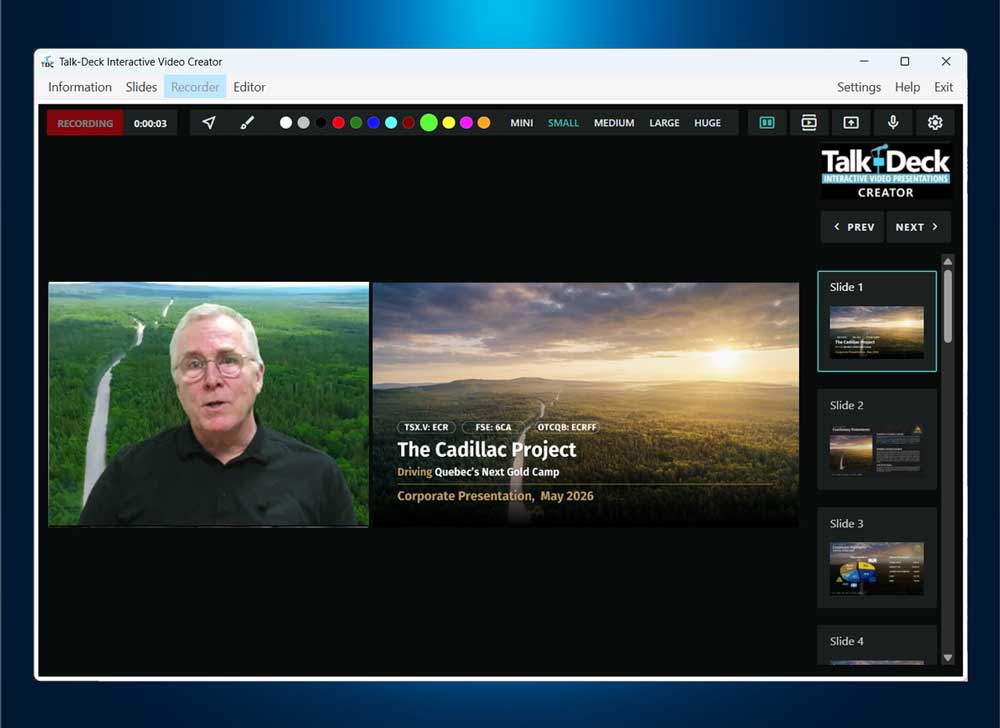
Present naturally while Talk-Deck Creator records your video and synchronizes your slide changes to automatically create an interactive Talk-Deck.
Share your Talk-Deck
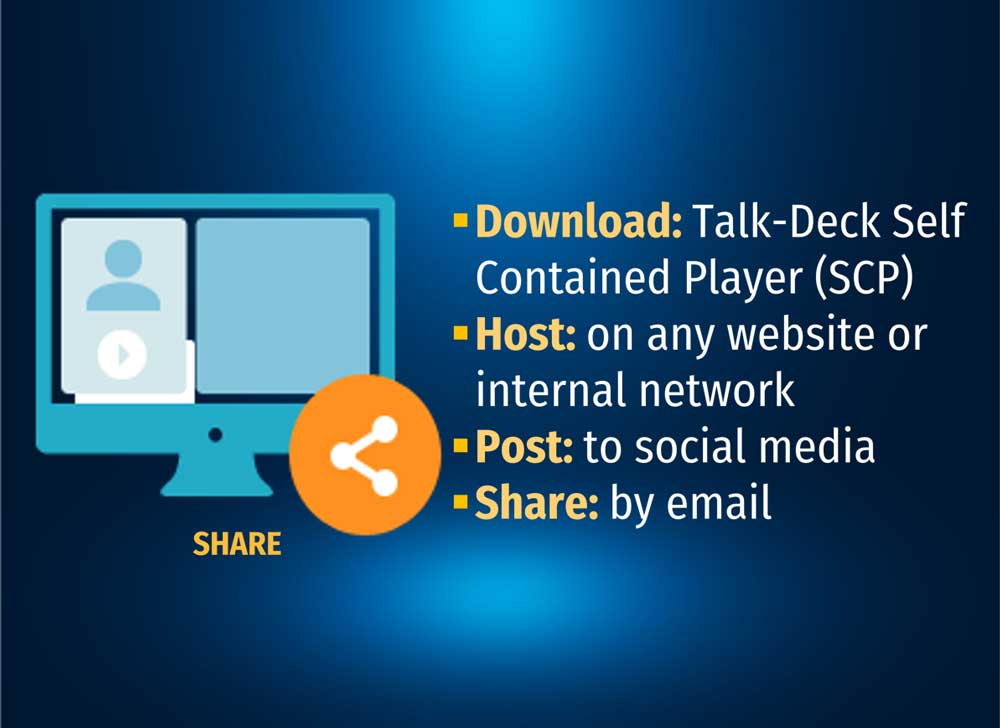
Regardless of how it’s shared, an interactive Talk-Deck can make even the most complex presentation easier to understand and more engaging to explore.
USE CASES
Built for presentations people need to understand, revisit, and use.
Training & Education

Enable learners to navigate training and educational presentations slide-by-slide at their own pace.
Corporate Communications

Make internal updates, executive briefings, and company presentations easier to follow, revisit, and understand.
Investor Presentations

Let investors instantly jump to the slides, topics, and information they want to review most.
Sales & Product Demos

Give prospects the freedom to explore presentations and product demos at their own pace — and revisit key information whenever they want.
Ready to create your first Talk-Deck?
Download Talk-Deck Creator and start turning ordinary presentations into interactive video experiences.